- Foundation of Algebra or Pre-Algebra (School Based) or Grade 6/7 Math
- VDOE-Aligned Algebra I | Virginia Department of Education
- Algebra 2 with Analytical Geometry
- Algebra IOWA | Iowa Algebra Aptitude Test (IAAT)
- Pre-Algebra (Competition Based) or Grade 7/8 Math
- Algebra Elementary I Algebra Honors 1.5
- Algebra 2 with Trigonometry
- MOEMS- Kangaroo Training & Practice | Math Olympiads for Elementary & Middle Schools
- MathCounts Chapter & AMC 8 Concept Practice
- MathCounts State, AMC 10 Concept Practice & AIME Prep
- SOL Geometry Exam Prep – Master the Standards
- MOEMS - Kangaroo Exam Prep | Mathematical Olympiads for Elementary & Middle Schools
- MathCounts Chapter & AMC 8 -Exams
- MathCount State & AMC10 -Exams
- SOL Exam Prep – Master the Standards
- TA Elementary Division Theory - Contest Years 2001-02 to 2025-26
- TA ACSL Junior Division Theory - Contest Years 2001-02 through 2025-26
- TA ACSL Junior Division Coding - Contest Years 2001-02 through 2025-26
- TA Classroom Division Theory - Contest Years 2001-02 to 2025-26
- TA Junior Division Theory & Coding - Contest Years 2001-02 to 2025-26
- TA Intermediate Division Theory - Contest Years 2001-02 to 2025-26
- TA Intermediate Division Coding - Contest Years 2001-02 to 2025-26
- TA Intermediate Division Theory & Coding - Contest Years 2001-02 to 2025-26
- ACSL Senior Division Theory - Contest Years 2001-02 through 2025-26
- ACSL Senior Division Coding - Contest Years 2001-02 through 2025-26
- TA Senior Division Theory & Coding - Contest Years 2001-02 to 2025-26
- TA Junior Division Theory - Contest Years 2001-02 to 2023-24
Change or Reset Password Guide
1. Users can change your own password by visiting the Change Password section from the left panel.
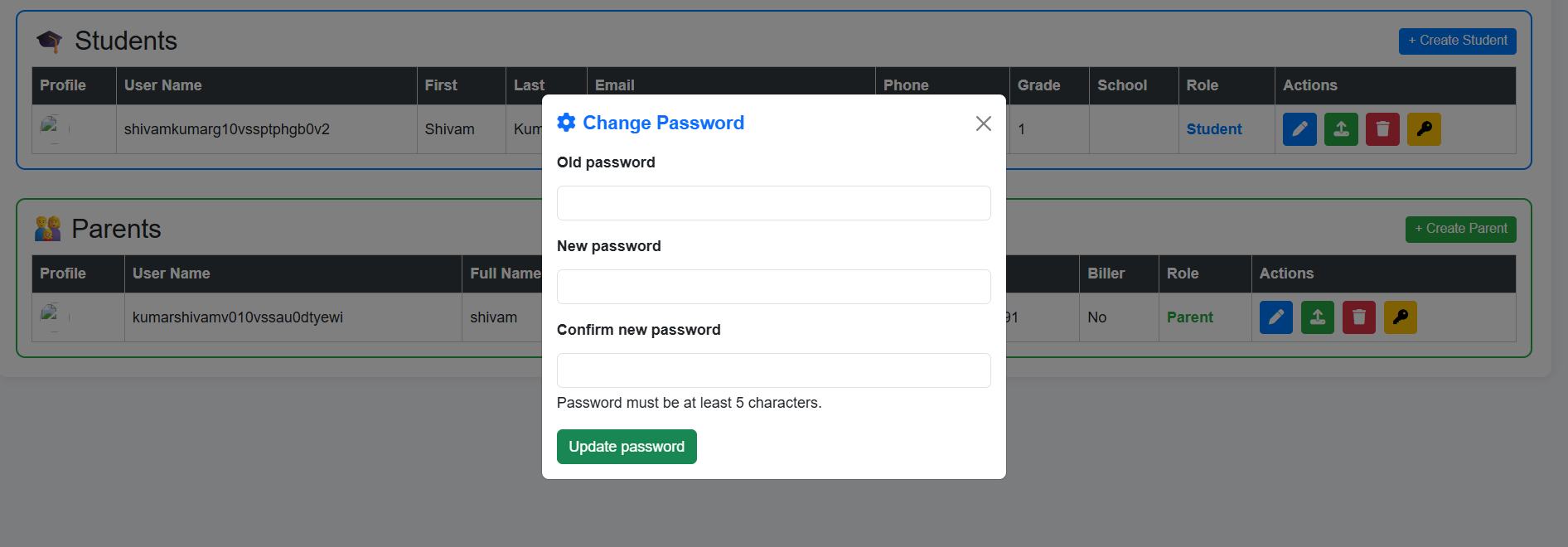
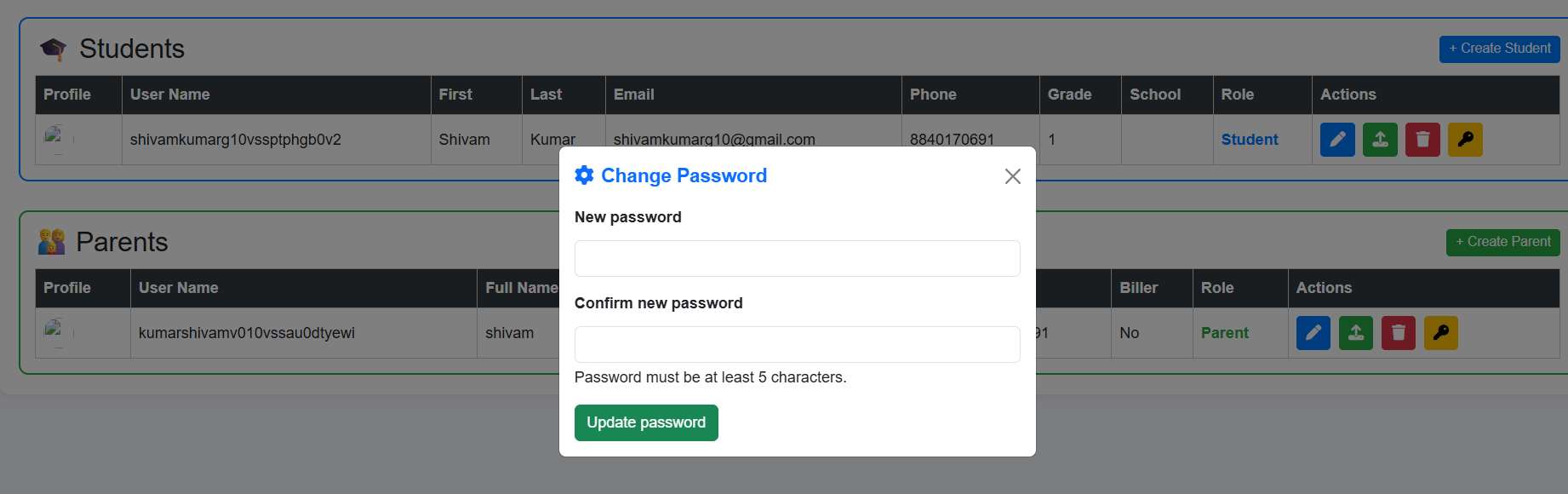
2. An Administrator, Instructor or a Parent can change the password of their concerned student by simply visiting the profile of student and clicking on the key icon, WITHOUT specifying the old password of student.
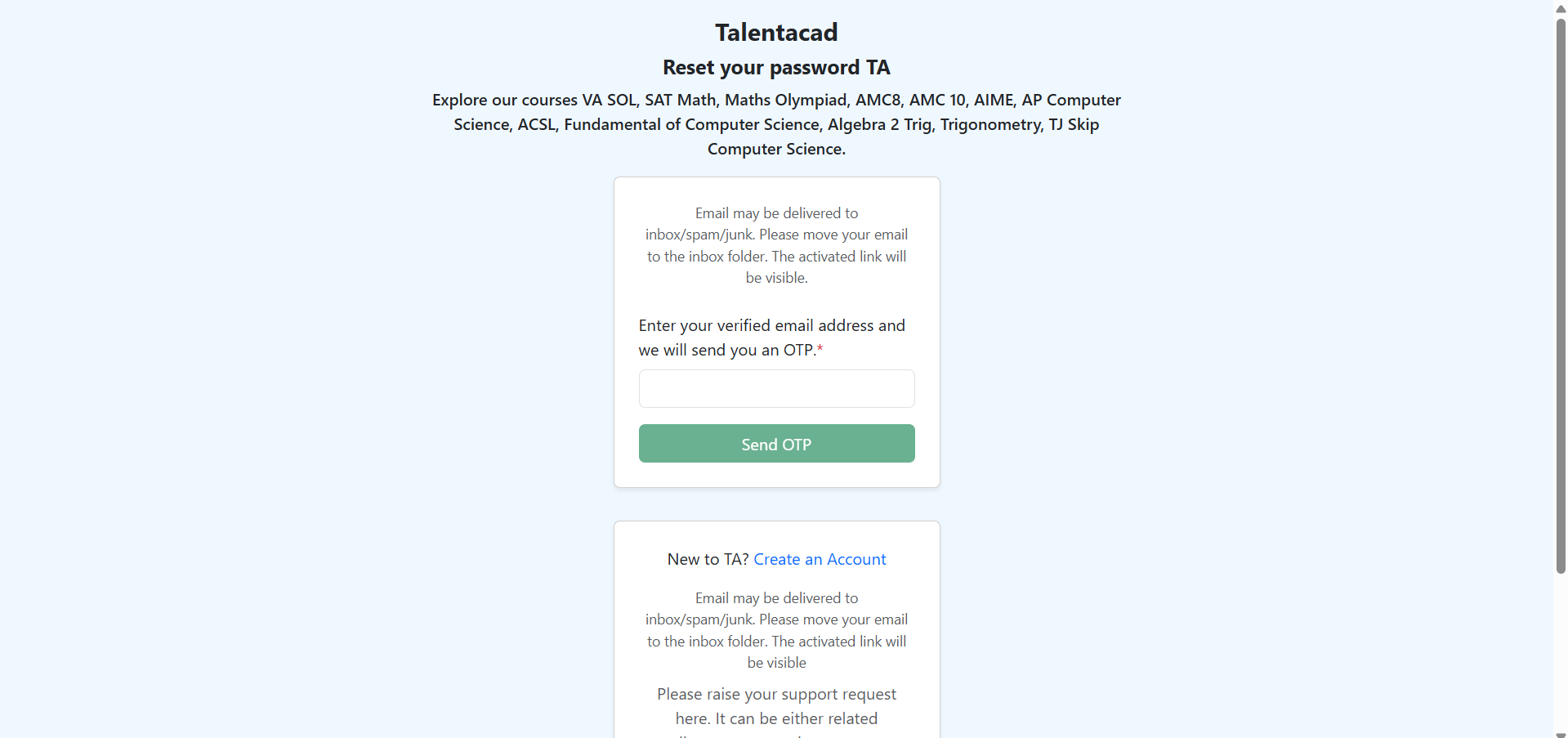
3. You can also click on the Forget Password. Enter your email. You will recieve an email, with the OTP (One-Time Password). Enter the OTP and you will see the New password field and confim password field.